Optimistic UI Updates: Enhancing User Experience and Improving Interaction to Next Paint (INP)
What if your UI updated instantly, before the network even responded? Learn how optimistic updates can dramatically improve your app's INP score and user experience.
#1about 2 minutes
Understanding perceived performance and Core Web Vitals
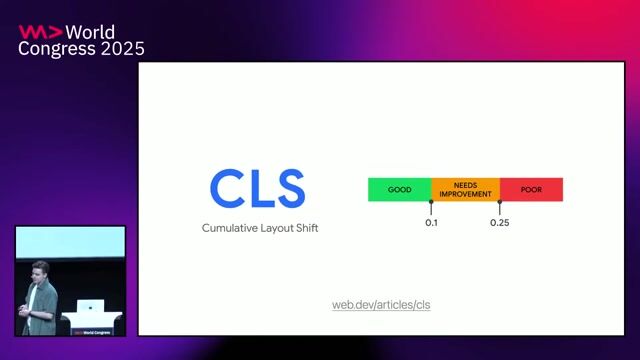
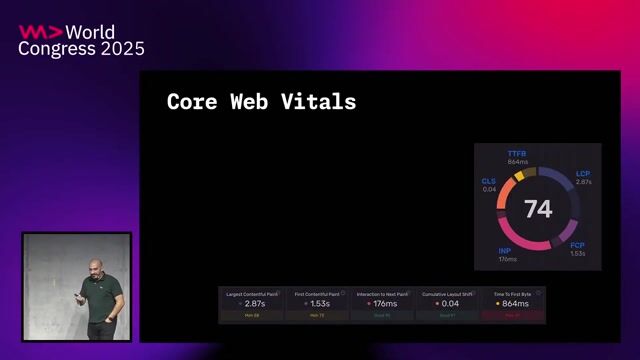
Web performance has shifted from focusing on initial page load to the entire user experience, as reflected in the evolution of Google's Core Web Vitals.
#2about 4 minutes
Introducing Interaction to Next Paint as a Core Web Vital
Interaction to Next Paint (INP) replaces First Input Delay (FID) to measure the responsiveness of all user interactions throughout a session, not just the first one.
#3about 4 minutes
Breaking down the three phases of a user interaction
An interaction consists of input delay, processing time, and presentation delay, with a total duration under 200ms considered good for INP.
#4about 7 minutes
How to measure INP with field and lab tools
Use field data from Chrome User Experience Report (Crux) and the web-vitals JS library, and lab tools like Lighthouse to identify and reproduce slow interactions.
#5about 4 minutes
Addressing network latency's impact on INP
Network requests made during an interaction's processing time can significantly increase INP, and while loading states fix the metric, they don't improve perceived performance.
#6about 4 minutes
Implementing optimistic UI for instant user feedback
Optimistic UI improves perceived performance by immediately showing the successful result of an action while the network request completes in the background.
#7about 2 minutes
Combining optimistic UI with loading states for complex interfaces
A hybrid approach uses optimistic updates for low-risk changes and traditional loading states for critical actions like price calculations to balance speed and accuracy.
#8about 5 minutes
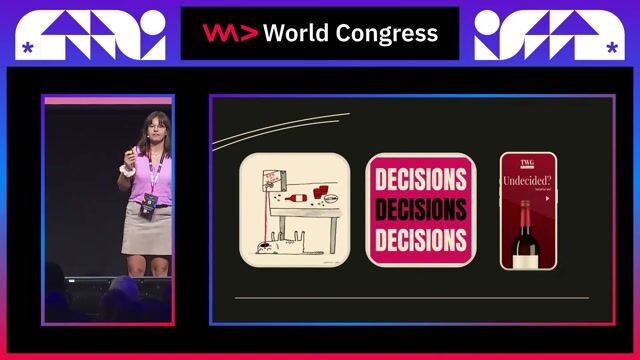
A framework for deciding when to use optimistic UI
Apply optimistic UI only when the action has a high success rate, errors can be easily rolled back, and enough information is available to present an accurate update.
#9about 5 minutes
Conclusion: Always prioritize clear user feedback
Whether using optimistic UI or not, the ultimate goal is to keep the user informed about the status of their interactions to build trust and improve perceived performance.
Related jobs
Jobs that call for the skills explored in this talk.
Matching moments
04:25 MIN
Improving Interaction to Next Paint (INP) responsiveness
Core Web Vitals: Put your application into orbit with best practices
07:15 MIN
Strategies for optimizing Interaction to Next Paint
What you need to know about Core Web Vitals
03:16 MIN
Understanding the shift from FID to Interaction to Next Paint
What you need to know about Core Web Vitals
02:49 MIN
Focusing on the right metrics for SPA performance
Lessons learned from building a thriving Vue.js SaaS application
04:18 MIN
Introducing the three Core Web Vitals metrics
What you need to know about Core Web Vitals
02:54 MIN
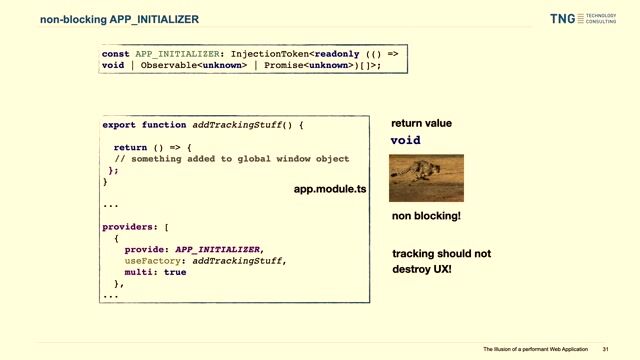
Enhancing runtime performance with CSS and UX
The Illusion of a Performant Web Application
01:01 MIN
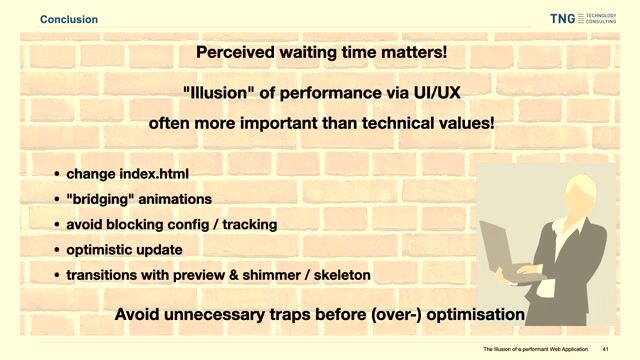
Conclusion and key performance takeaways
The Illusion of a Performant Web Application
03:28 MIN
Understanding key frontend performance metrics and KPIs
Accessibility tip: Detecting reduced motion in one line of JavaScriptAnimation can be a great tool to make apps seem more performant, be more engaging or even just more interesting. There are, however, quite a few groups of people who can not deal with things animating, as it distracts them or can even cause nausea. T...
Amanda Winstead
How Developers Can Focus on Maintaining Satisfaction With AccessibilityNo matter what kind of project you are working on, the principal mission of any web development assignment is always the same: to provide end-users with the best experience possible. When it comes to optimizing end-user satisfaction, however, it can ...
Eli McGarvie
10 Essential Figma Plugins for Frontend Developers in 2023In 2023, tools for frontend developers drop by the minute, and Figma might be the most visually appealing. The cloud-based UX and UI design tool that simplifies almost any design process recently scored a scanty 20-billion-dollar sale, and it was par...
Chris Heilmann
Dev Digest 116 - WWWAI?This time, learn how to un-AI Google's search results, what's new on the web, avoid a new security hole and go back to BASICS with us. News and ArticlesWhat a week. Google, Microsoft, OpenAI and many others had their big flagship events announcing th...
From learning to earning
Jobs that call for the skills explored in this talk.






.png?w=240&auto=compress,format)